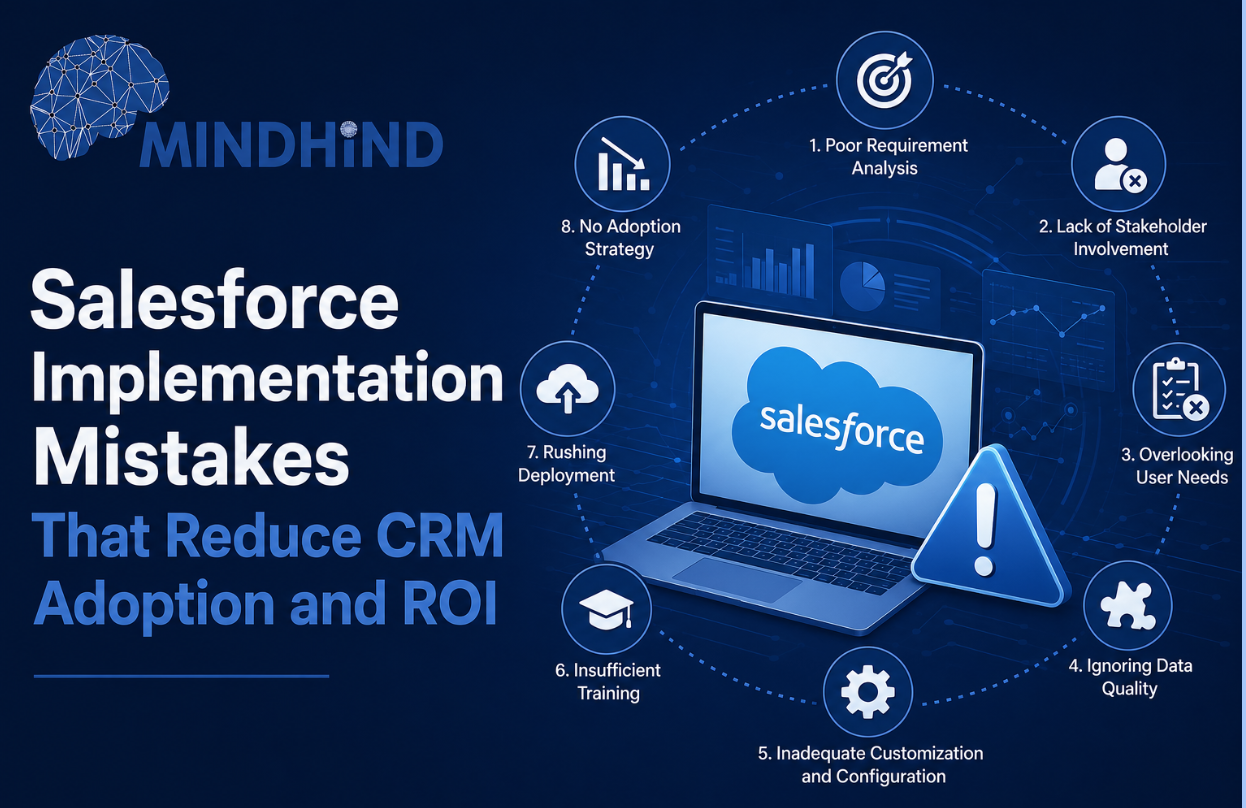
Salesforce can help businesses manage leads, automate sales processes, improve customer visibility, and support better reporting. However, the platform only delivers value when it is configured around clear business requirements and used consistently by employees.
Many organizations invest heavily in Salesforce but struggle with low usage, poor data quality, disconnected workflows, and limited returns. Understanding common Salesforce implementation mistakes can help businesses avoid unnecessary complexity and build a CRM system that supports measurable results.
Overcustomization, Unclear Goals, and Poor Data
One of the most common mistakes is excessive customization.
Businesses may add too many fields, screens, approval steps, objects, and automated rules before users understand the basic system. This can make Salesforce difficult to navigate and increase maintenance costs.
Customization should solve a specific business problem. Before adding new features, organizations should confirm whether the requirement can be met through standard Salesforce functionality.
Another major mistake is starting a Salesforce CRM implementation without clear objectives. Businesses should define what the platform is expected to improve, such as lead response time, sales forecasting, conversion rates, customer retention, or reporting accuracy.
Without clear goals, teams may focus on technical setup instead of business outcomes.
Poor-quality data also reduces CRM performance. Duplicate contacts, incomplete records, outdated accounts, and inconsistent formats can affect reporting and automation. Before migration, data should be cleaned, standardized, and reviewed.
Ongoing data-governance rules should define who owns customer information, which fields are required, and how duplicate records will be managed.
Low User Involvement and Weak Training
Salesforce users should be involved early in the implementation process.
When sales, service, and marketing teams are excluded from planning, the final system may not match their daily workflows. This often leads to low Salesforce adoption, workarounds, spreadsheets, and incomplete CRM records.
Businesses should gather user feedback during requirement planning, testing, and rollout. Pilot groups can help identify confusing steps, unnecessary fields, and missing features before the system is launched widely.
Weak training is another common issue. A single introductory session is rarely enough. Employees need practical, role-based training based on how they will use Salesforce every day.
Sales representatives may need guidance on managing leads and opportunities, while managers may need support with dashboards, forecasts, and approvals.
Training should continue after launch. Refresher sessions, user guides, internal support, and feedback channels can help employees develop confidence and use the system consistently.
Disconnected Systems, Poor Automation, and Missing Metrics
Salesforce often needs to connect with websites, marketing platforms, finance software, customer-support tools, and ERP systems. When these systems remain disconnected, employees may enter the same information multiple times.
A strong integration plan should identify which systems need to exchange data, how frequently updates should occur, and which platform will act as the main source of truth.
Automation must also be designed carefully. Too many alerts, assignments, approval rules, or email triggers can overwhelm users and create process delays.
Automation should remove repetitive work and improve consistency. Every rule should have a clear purpose, owner, and review process.
Another major mistake is failing to measure performance. Businesses should track login activity, record completion, lead response time, pipeline accuracy, conversion rates, user feedback, and automation results.
These metrics help identify whether the system is improving performance or creating additional work.
Regular Salesforce optimization is necessary as processes, teams, and customer expectations change. Dashboards, permissions, workflows, integrations, and automation rules should be reviewed regularly.
Working with experienced Salesforce consulting specialists can help businesses simplify configurations, improve workflows, strengthen adoption, and connect Salesforce investments with measurable business goals.
MindHind’s Salesforce Consulting services help organizations review CRM configuration, user adoption, data quality, automation, and system integrations.
Request a Salesforce configuration, adoption, and workflow review from MindHind to identify gaps and improve the return on your CRM investment.
